
Agent Assignment to Contact
This feature is aimed at enhancing the efficiency and personalization of the CEQUENS Omni Channel Chat application by ensuring that end-users consistently interact with the same agent once they send a message. This continuity will help streamline communication and build stronger relationships between the business and its customers.
- Go to the 'Contacts' page in omni-channel chat.
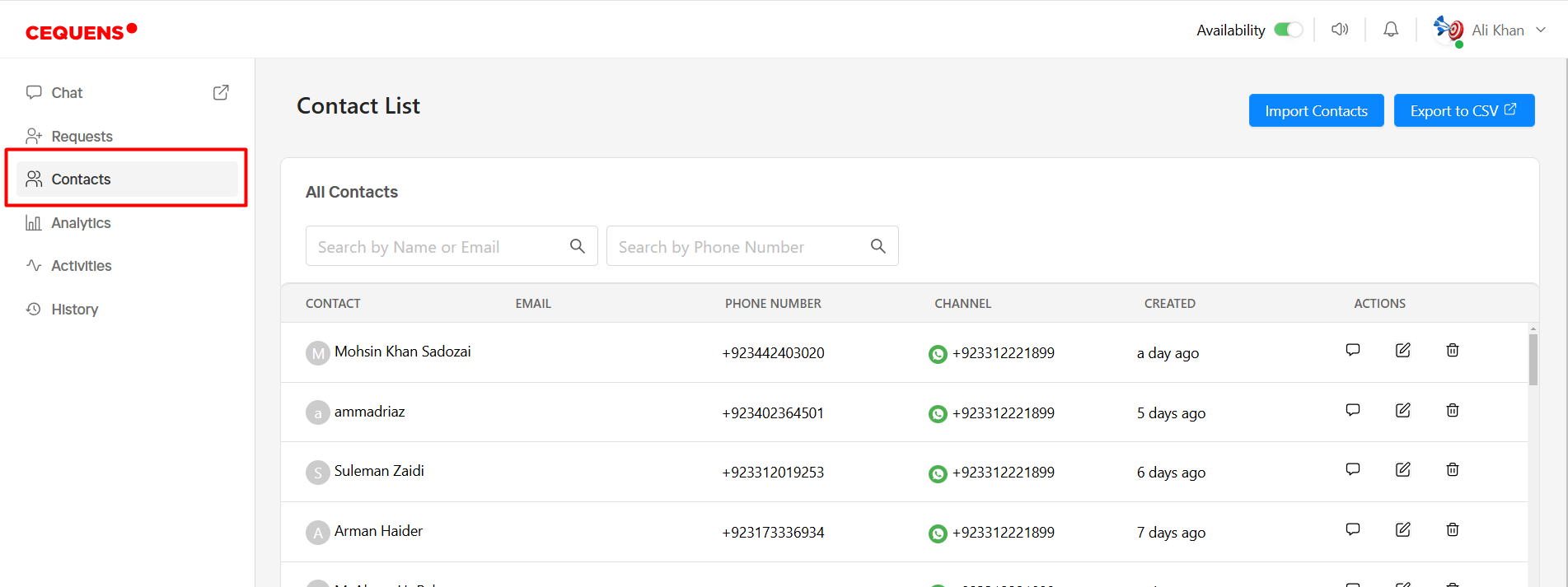
- Select the "Edit Contact" option from the Actions column. On the edit page, locate the "Assigned Agent" field, where you can choose an agent for this contact. The field will display all the active users that exists in the system.
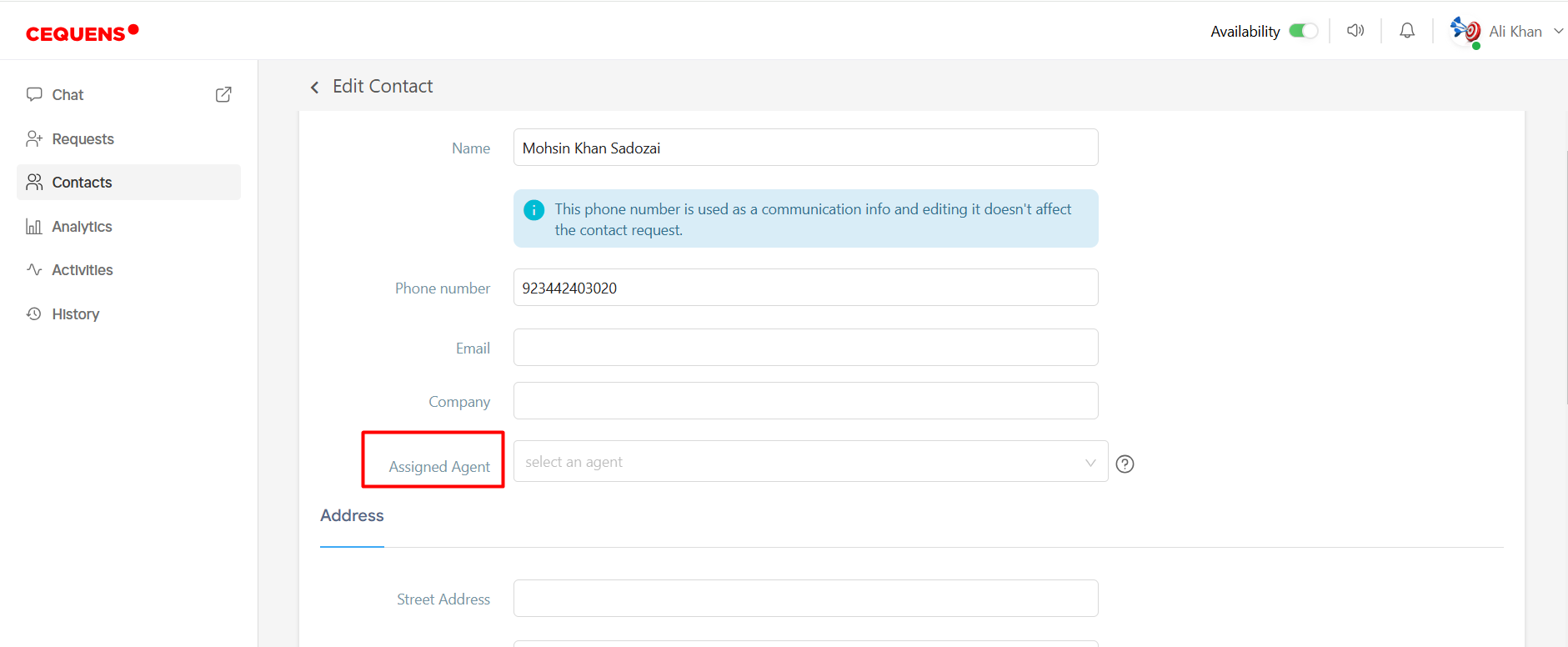
- After selecting the agent from the dropdown, click save.
- Conversations from this contact will always be routed to the assigned agent, overriding any inbox routing rules.
- Note: If an active request exists in the system and has not been closed, and you assign an agent to this contact, the agent currently handling the request must first close it. Afterward, any new requests from this contact will be routed to the newly assigned agent.
Updated 8 months ago