
Create a chatbot from Template or Import from a file
On this page, we will guide you through the process of creating a chatbot from a template or importing it from a file. Whether utilizing pre-built templates or importing an existing bot, this comprehensive guide will equip you with the tools and knowledge needed to create an effective chatbot solution.
Step 1: Log in to your console account
- Open the Omni-channel chat dashboard
- Navigate to the 'Bots' tab
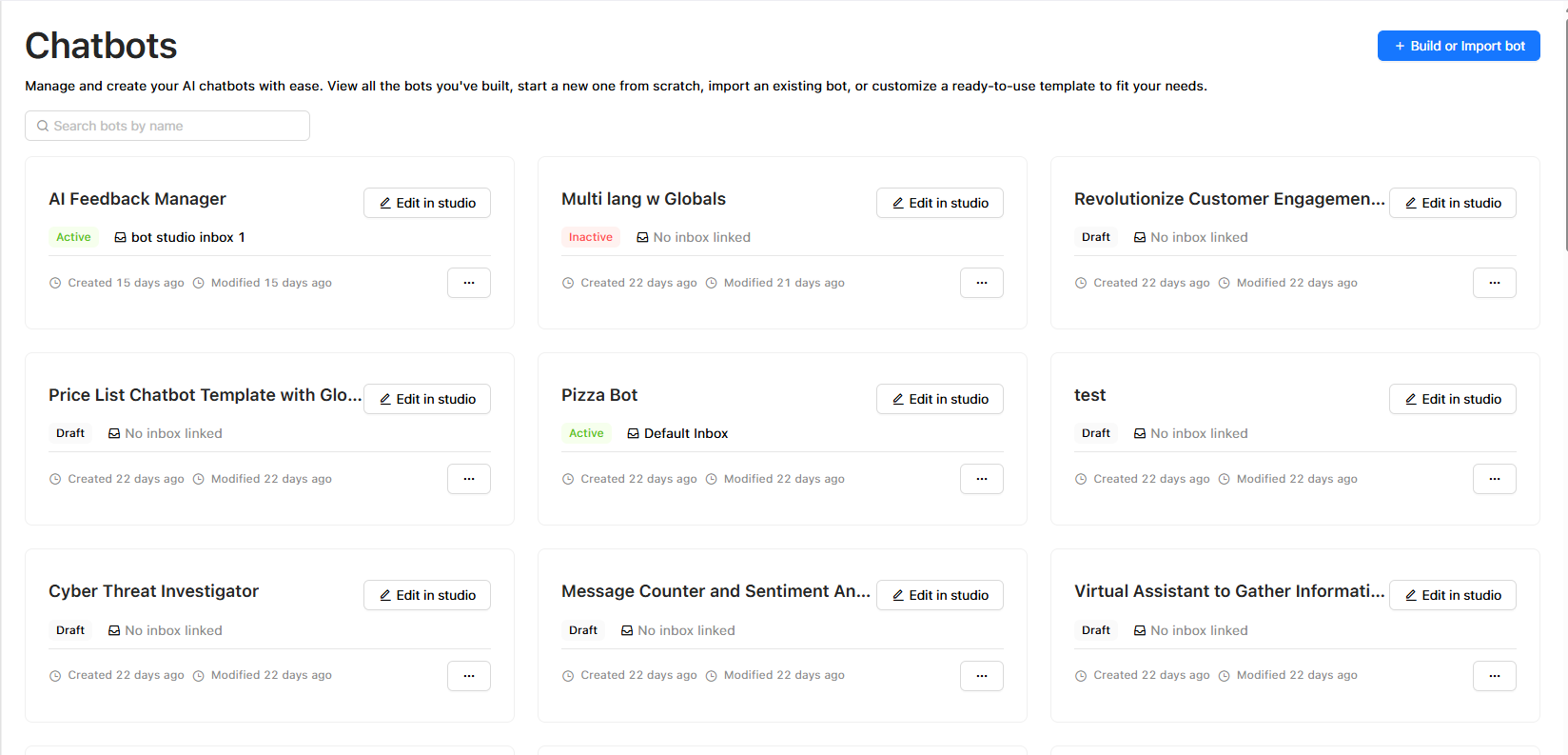
Now you have two options: whether to import a bot or use a pre-defined template.
Option 1: Create a New Bot from an existing file
- In the "Bots" section, click the "Build or Import Bot" button to start creating your chatbot.
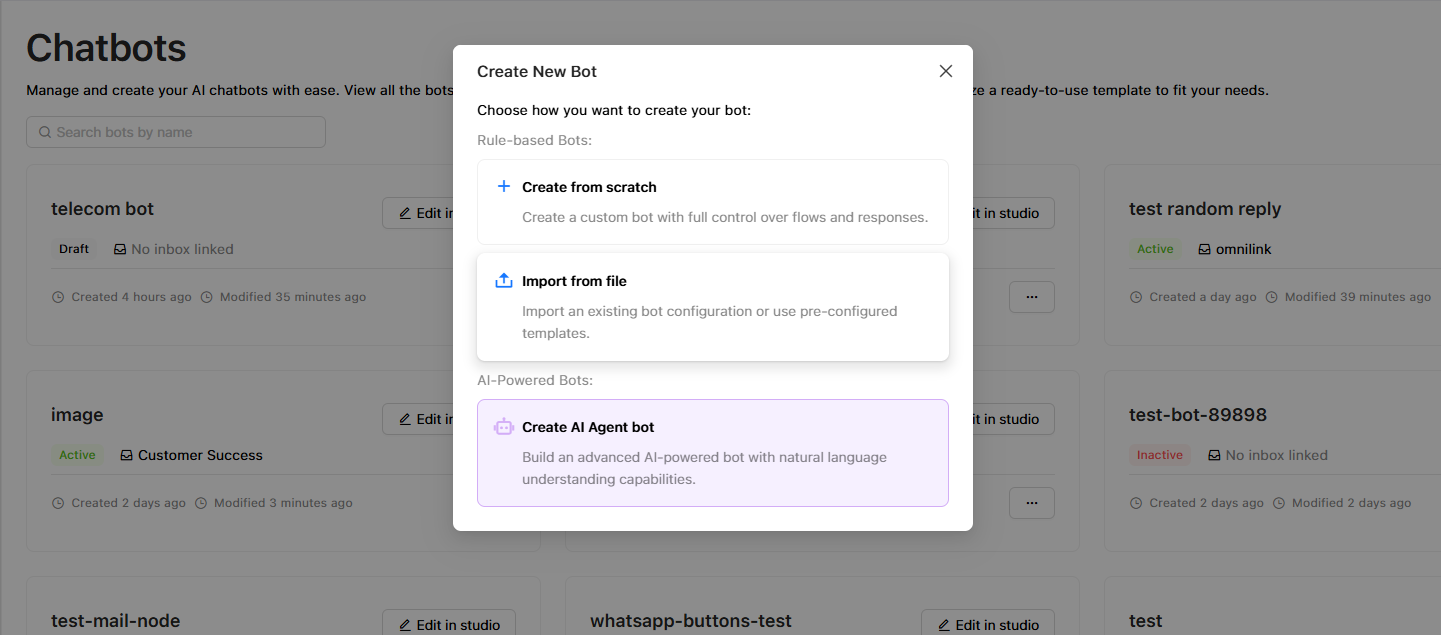
- Choose 'Import from file', you need to import a JSON file of the bot you need to import.
- The bot builder will open filled with the imported bot to save and/or edit, and link to the intended inbox.
Option 2: Create a New Bot from a pre-defined template
- In the "Bots" listing page
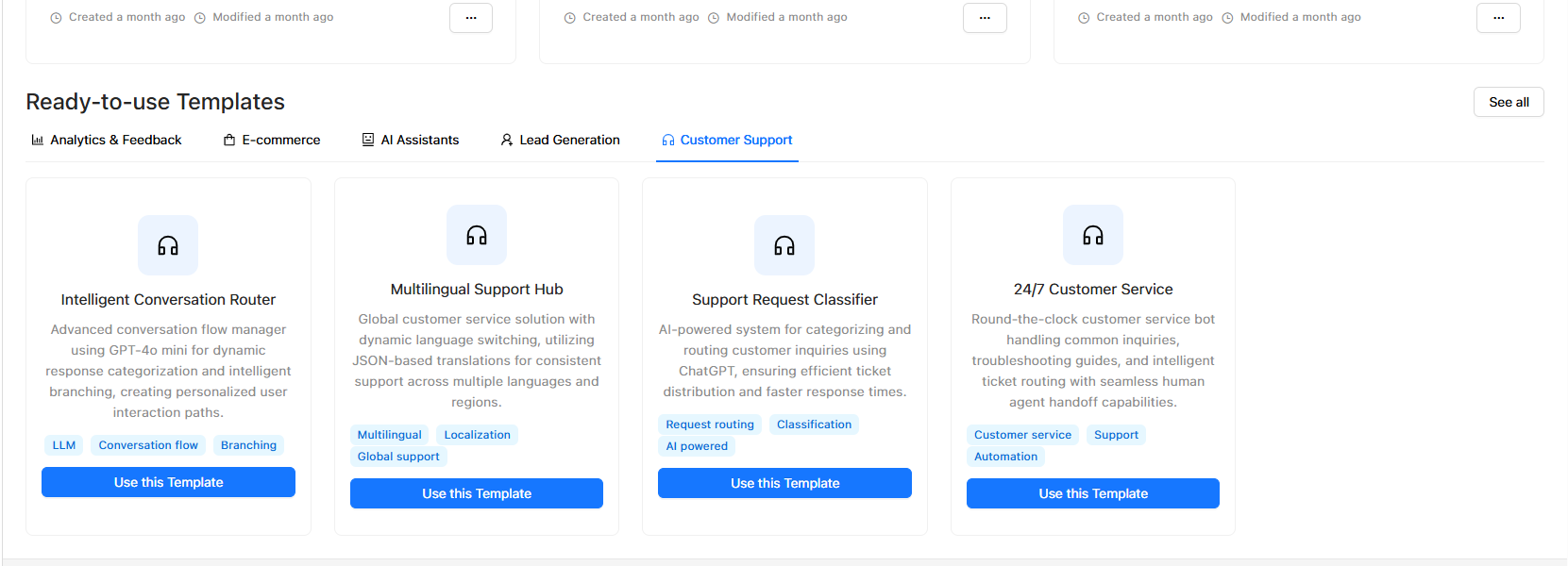
- Scroll down to browse the available pre-defined bots from the different categories.
- Click 'Use this template' to open the chosen bot template in the bot studio, edit it, customize it, and use it according to your needs.
Updated over 1 year ago