
Scroll, zoom, move Blocks & Actions
When using the SCROLL PAD:
Scroll UP/DOWN/RIGHT/LEFT:
- Place two fingers on the touchpad and slide horizontally or vertically.
- Zoom In/Out: Place two fingers on the touchpad and pinch in or stretch out.
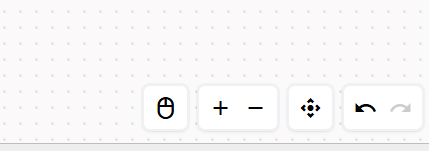
Using the Mouse:
- Scroll Up/Down: Use the mouse wheel to scroll up or down.
- Scroll in Any Direction: Click the mouse wheel to scroll right, left, or in any desired direction.
- Zoom In/Out: Hold down the Ctrl key and use the mouse wheel to zoom in (wheel up) or zoom out (wheel down).
Updated over 1 year ago