Canned Responses
Canned Responses in CEQUENS Chat are pre-made messages designed to streamline customer support interactions. With this feature, agents can quickly access and deploy commonly used responses, saving time and ensuring consistent communication with customers. Creating and managing canned responses is simple, allowing agents to customize and organize responses to suit various customer inquiries and scenarios.
- Click on "Settings" from the left menu, then select "Canned Responses." These are pre-made messages for easy recall during chats.
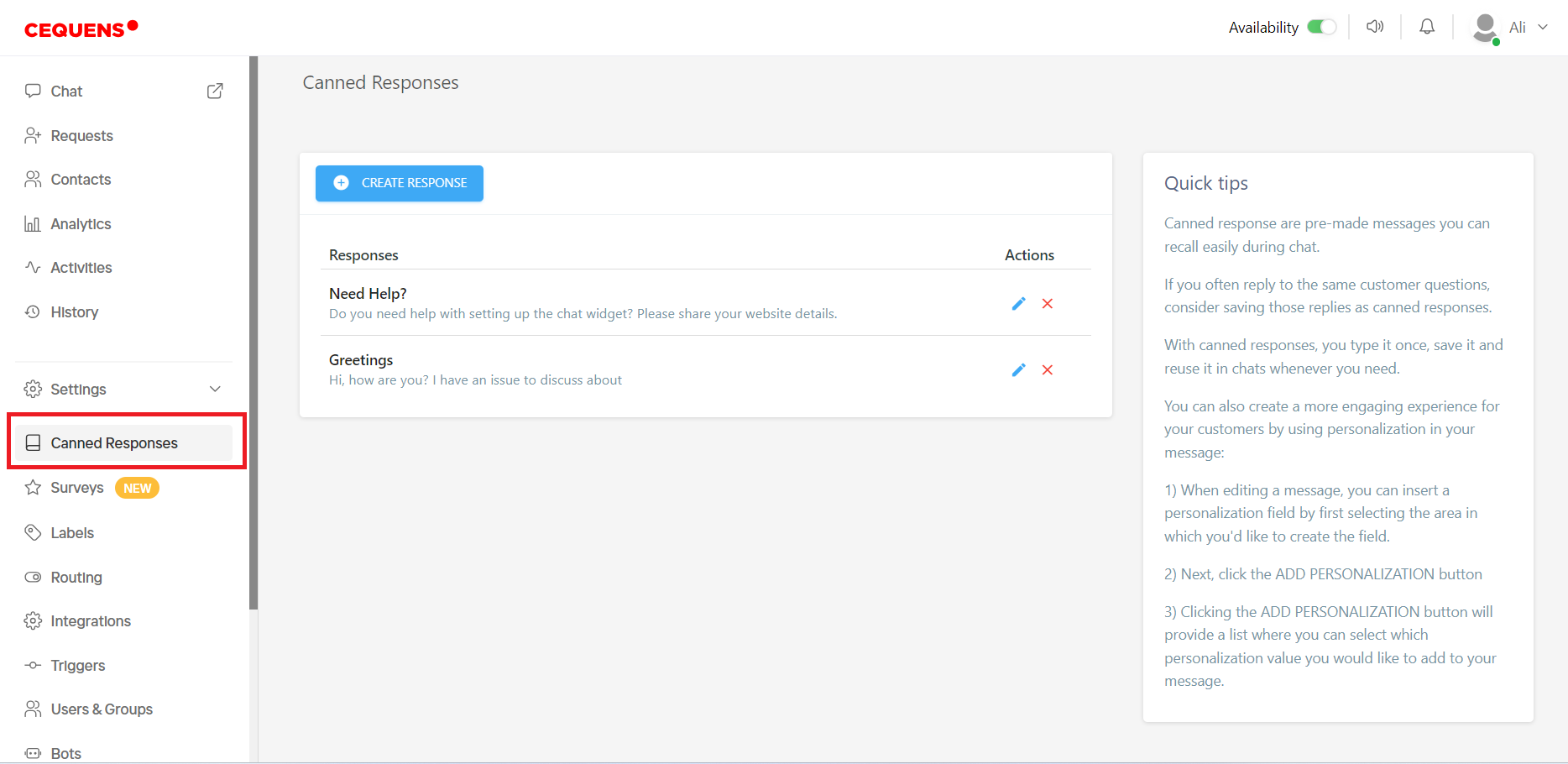
- All saved canned responses are listed on the Canned Responses page.
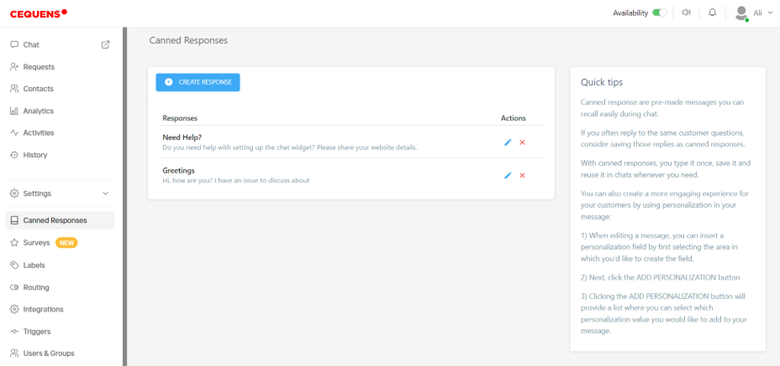
- In the actions column, you can edit or delete responses.
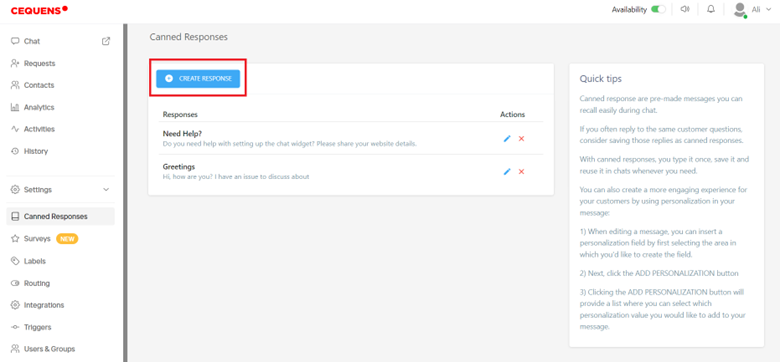
- To create a new response, click on "Create Response."
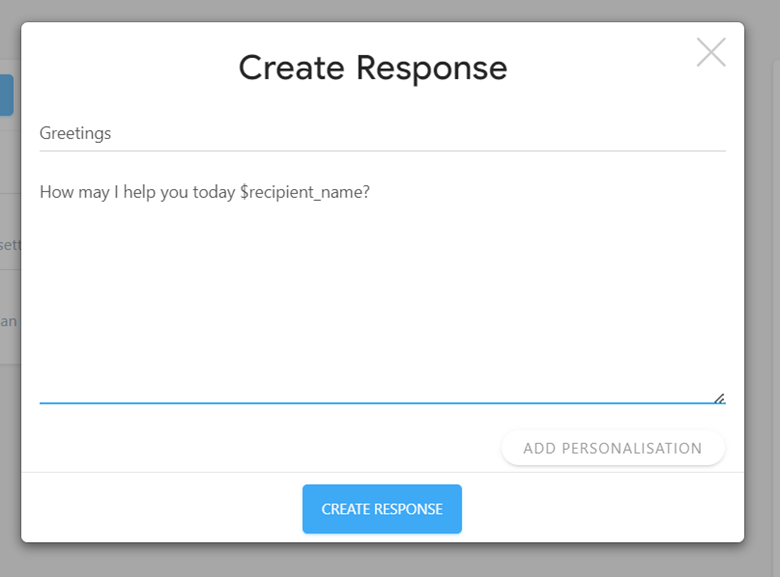
- Enter the response title and message.
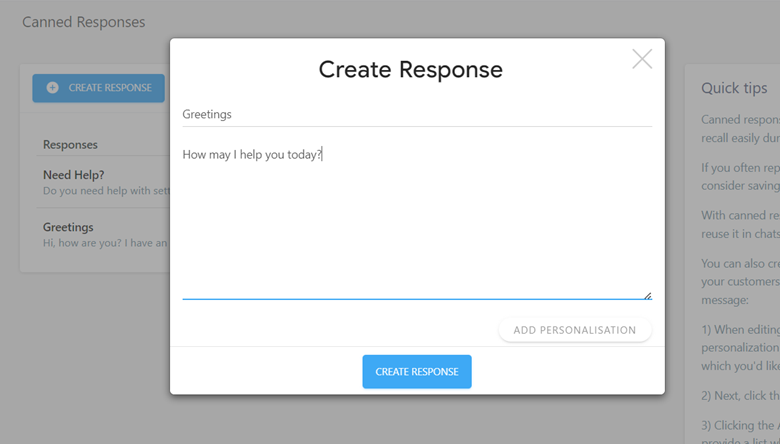
- You can personalize responses by adding personalization fields such as the recipient's first name or the agent's first name. Click First name of recipient.
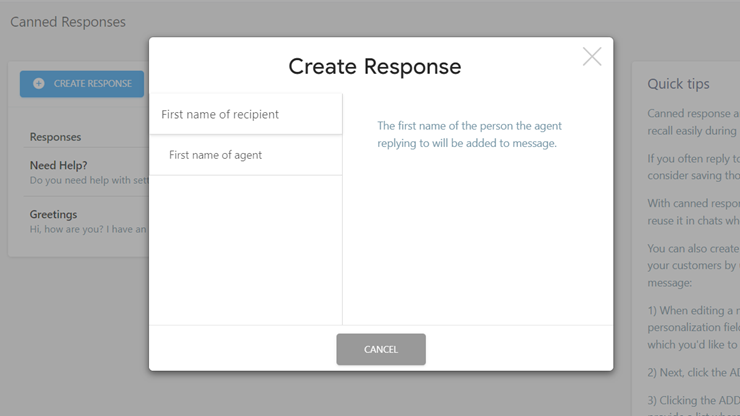
- It will appear in the message as ‘$recipient_name’. It will be replaced by the recipient's first name when the response is used. Click on Create Response, it will appear in the listing.