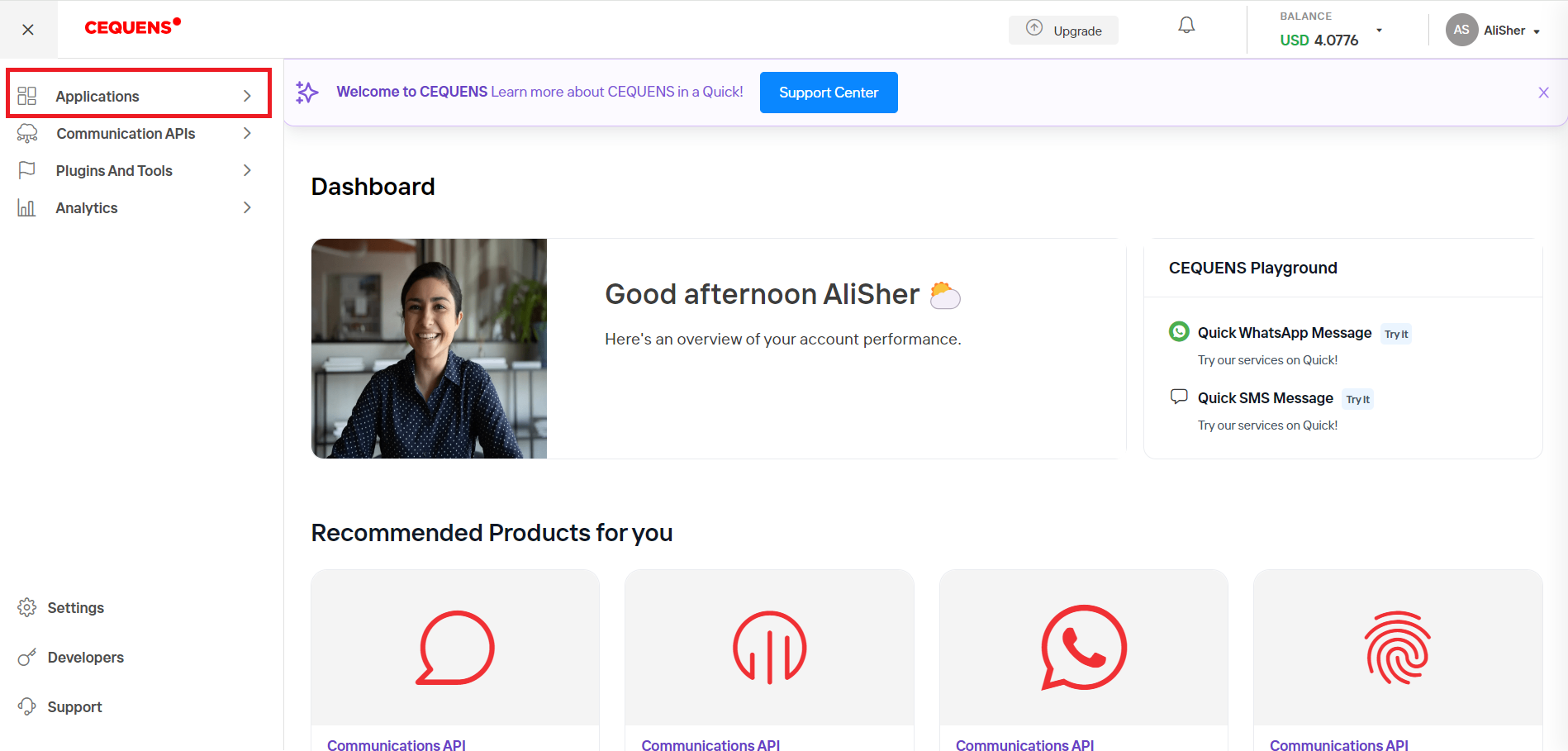
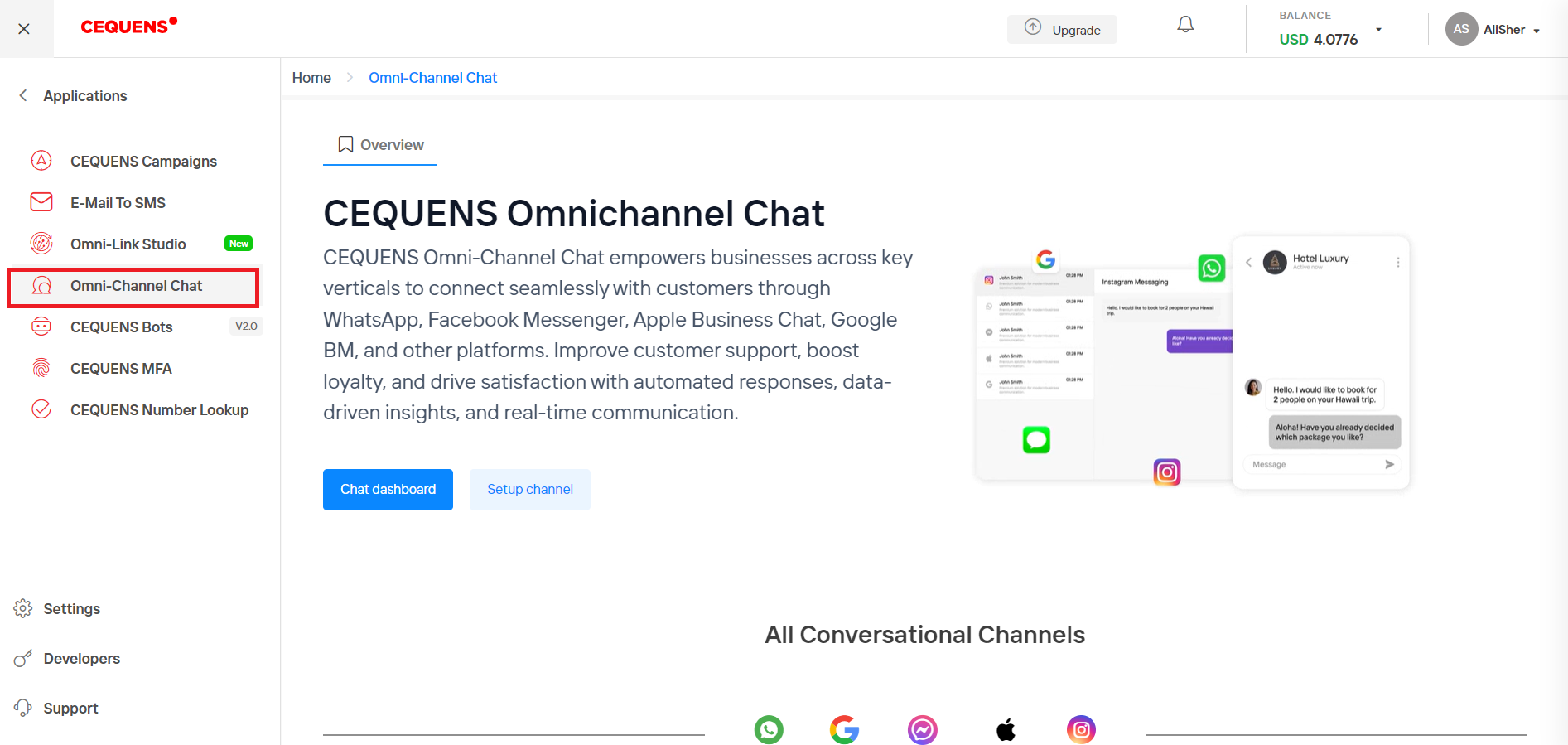
CEQUENS Chat Console To access CEQUENS Chat, you need to login to CEQUENS console and from the left menu, click Applications. Click on Omni Channel Chat option and then click Chat Dashboard. Updated 9 months ago Meta Channels with Cequens: Transforming CommunicationCopy Page