
Integrations
The Integrations section within CEQUENS Chat facilitates seamless integration with leading CRM platforms like Freshdesk and HubSpot. Users can effortlessly connect their CEQUENS Chat account with these CRM systems to streamline customer support operations.
- To integrate Cequens Chat with your CRM, access the "Integrations" section from the left menu.
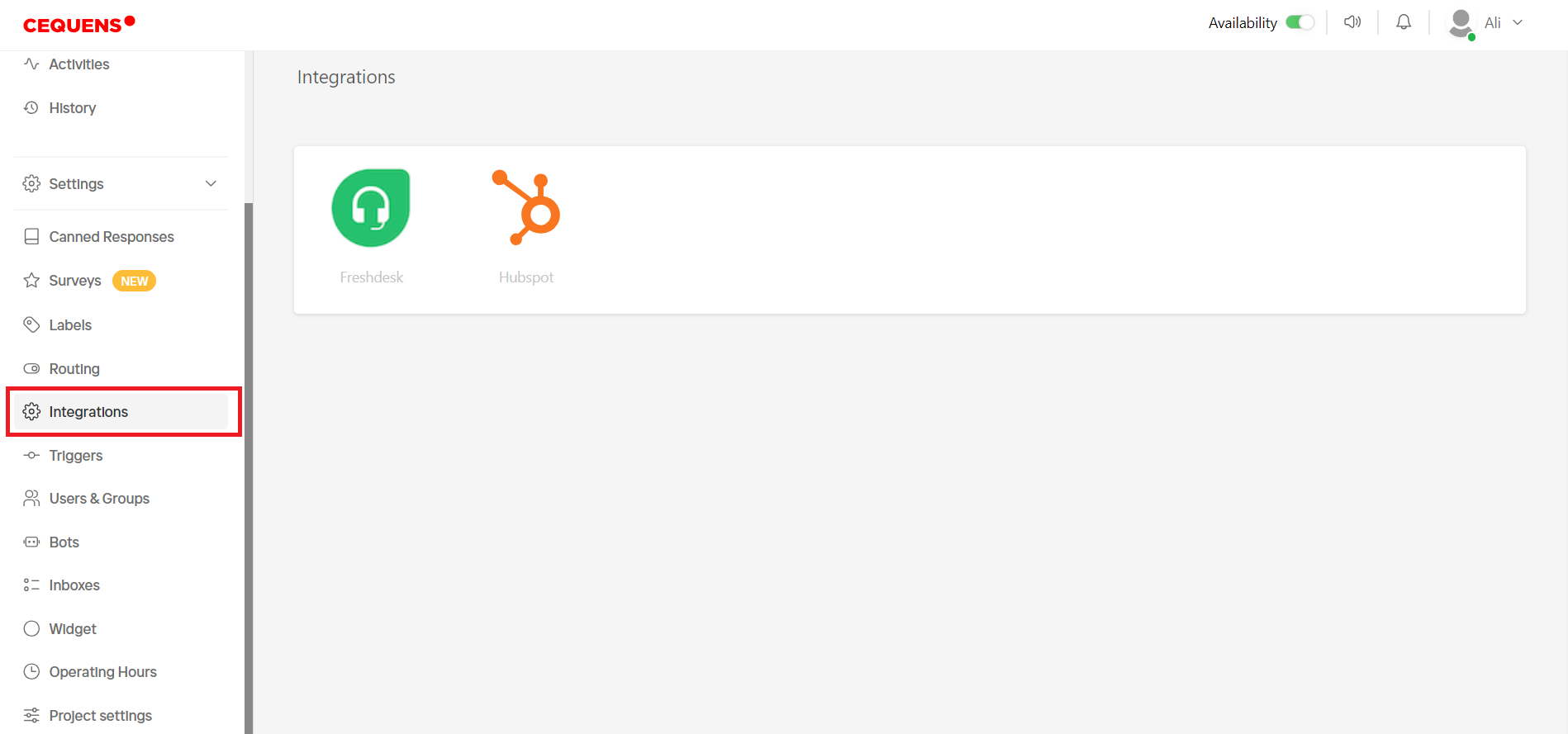
- Currently, integration is available with two CRM platforms: Freshdesk and HubSpot.
- To integrate with either of these platforms, simply click on the respective logo, and a pop-up window will appear.
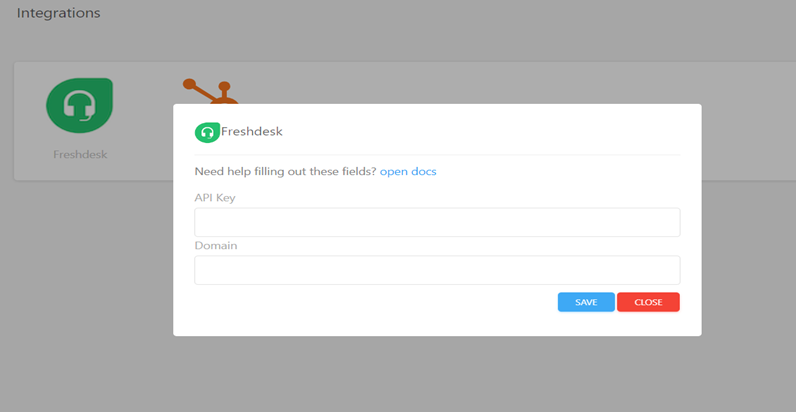
- For Freshdesk integration, you'll need to provide your API key and domain details in the pop-up window. After entering the required information, click on "Save" to finalize the integration.
- When integrating with HubSpot, only the API key is required. Enter the API key in the pop-up window, and then click "Save" to complete the integration process.
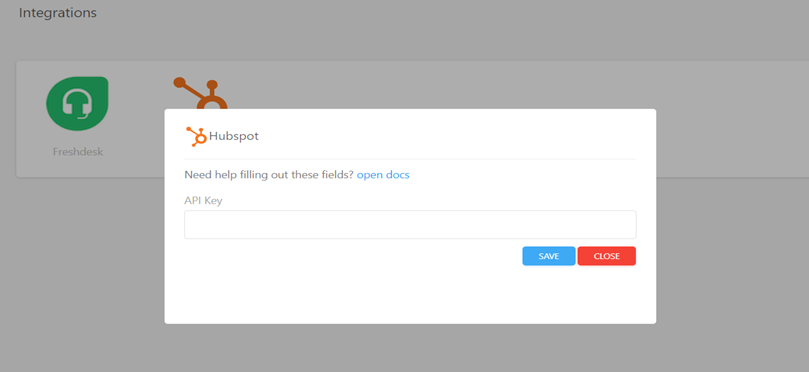
- If you require assistance during the integration process, there is a link to documentation available within the pop-up window. You can refer to the documentation for detailed instructions on setting up integrations.
Updated 8 months ago