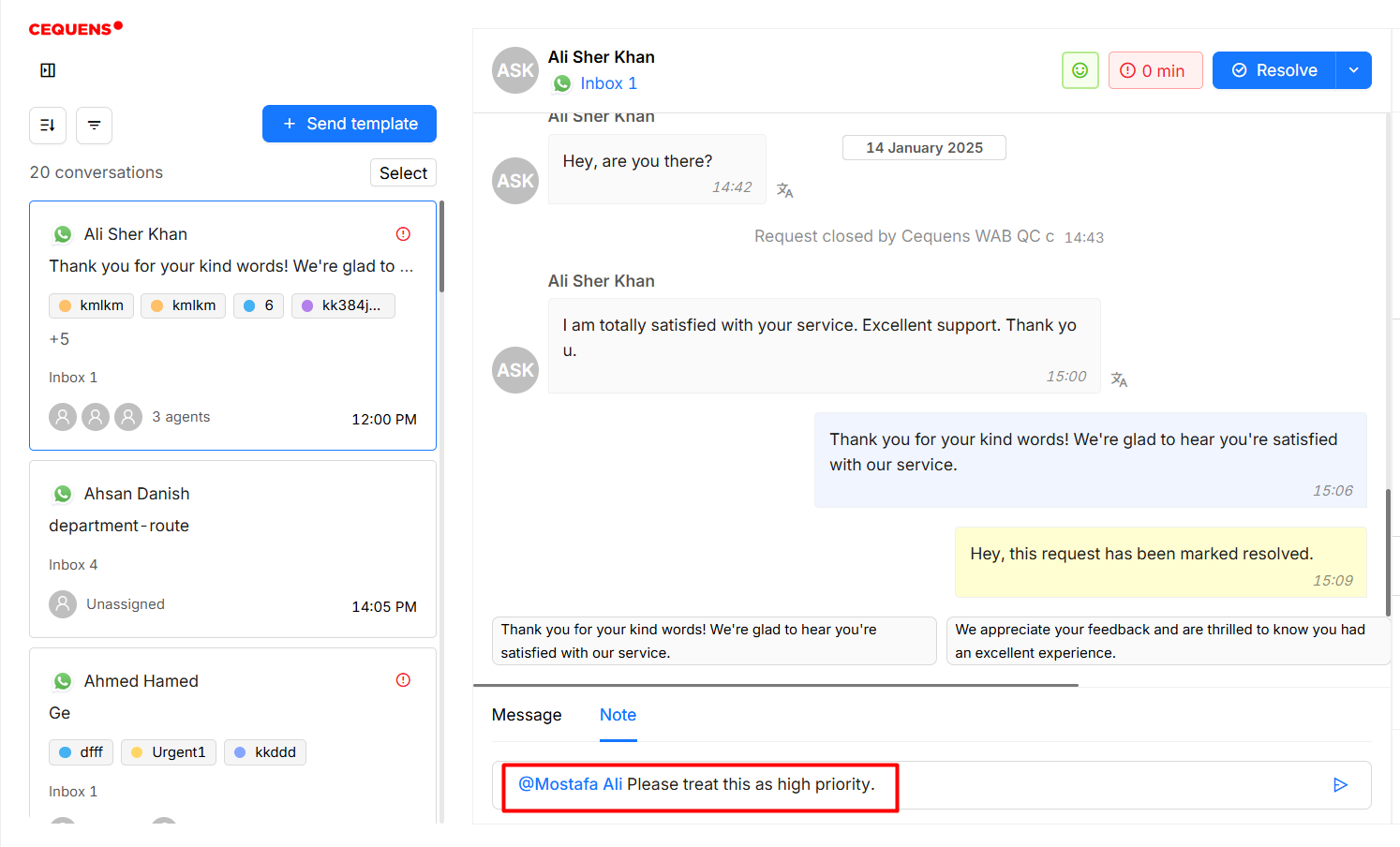
Internal Notes and Mentions
Internal Notes and Mentions
- Use internal notes to share important updates, context, or instructions related to the chat, ensuring smooth collaboration within the team.
- Click on the Notes tab located above the text editor to switch to the internal notes section.
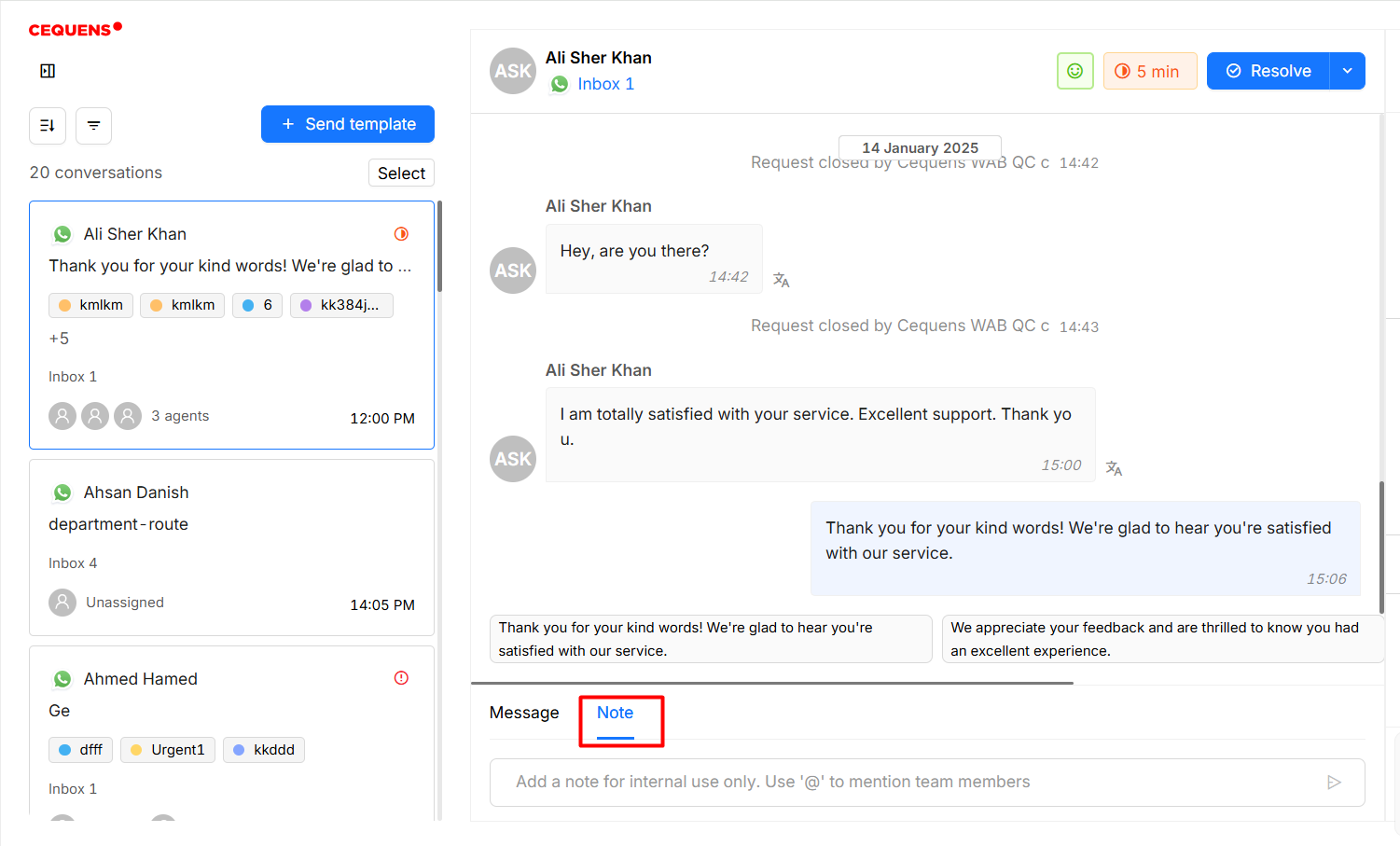
- In the Notes tab, you can add any internal note for team members. These notes will not be sent to the end user.
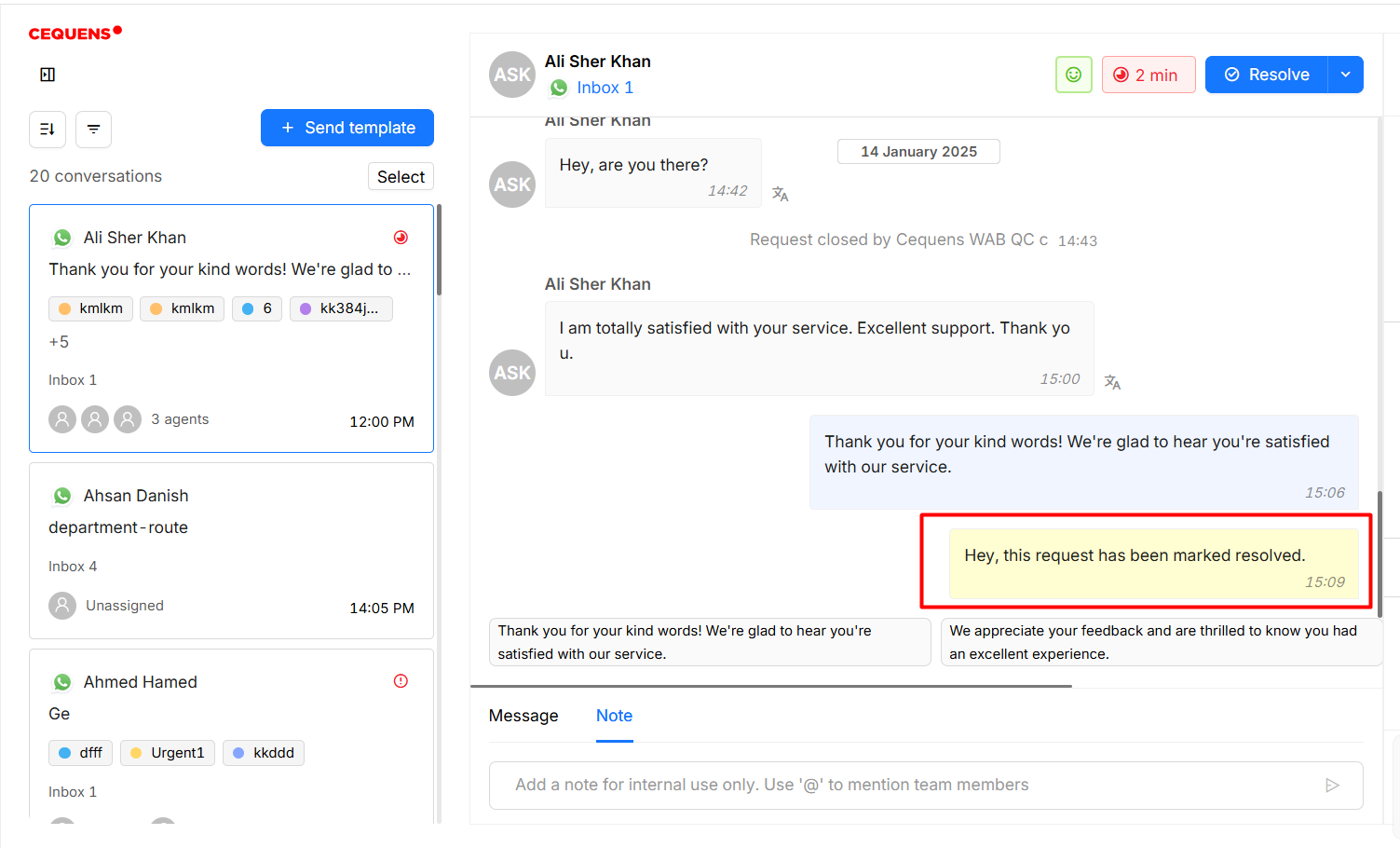
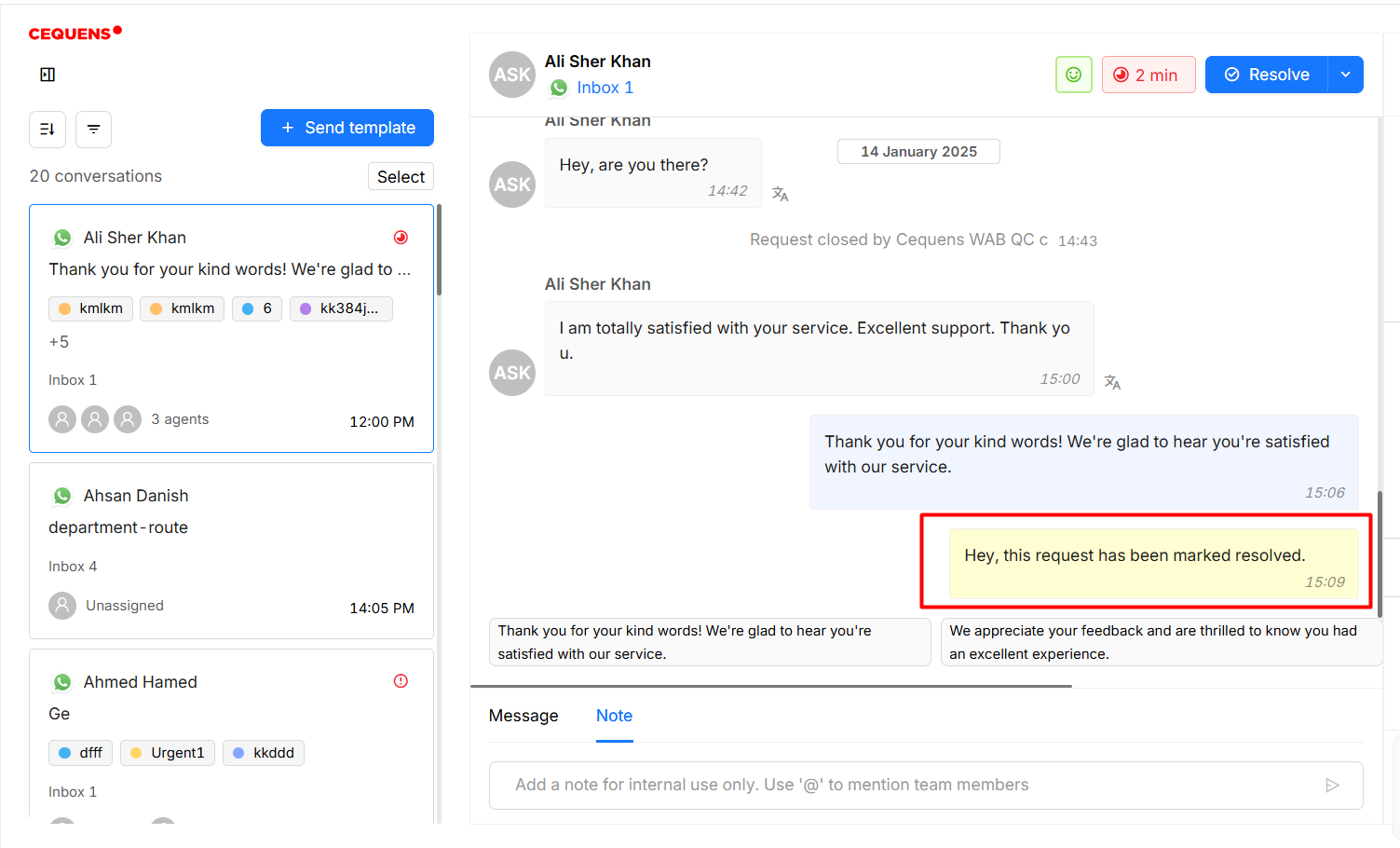
- After composing a note, click Send. The note will appear within the chat interface, visible only to internal team members.
- To notify another agent, use the @mention feature by typing "@" followed by the agent’s name. This will send a notification to the mentioned agent about the specific request.