
Operating Hours
The "Operating Hours" feature in CEQUENS Chat settings allows businesses to define and manage their operational hours for efficient communication with customers.
- To configure the operating hours for your business, access the "Operating Hours" option on the left menu.
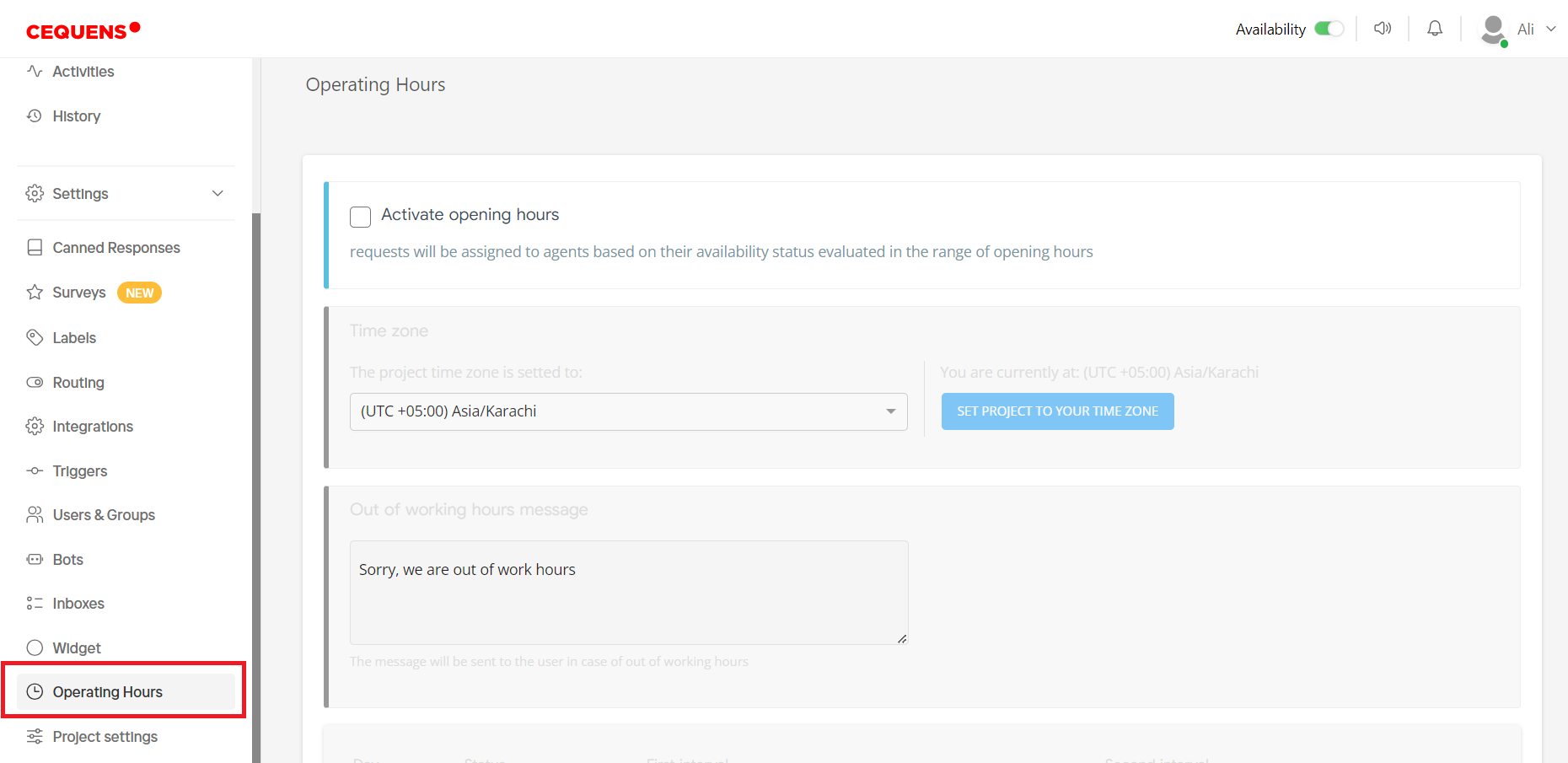
- Tick the checkbox labeled "Activate Operating Hours" to enable this feature.
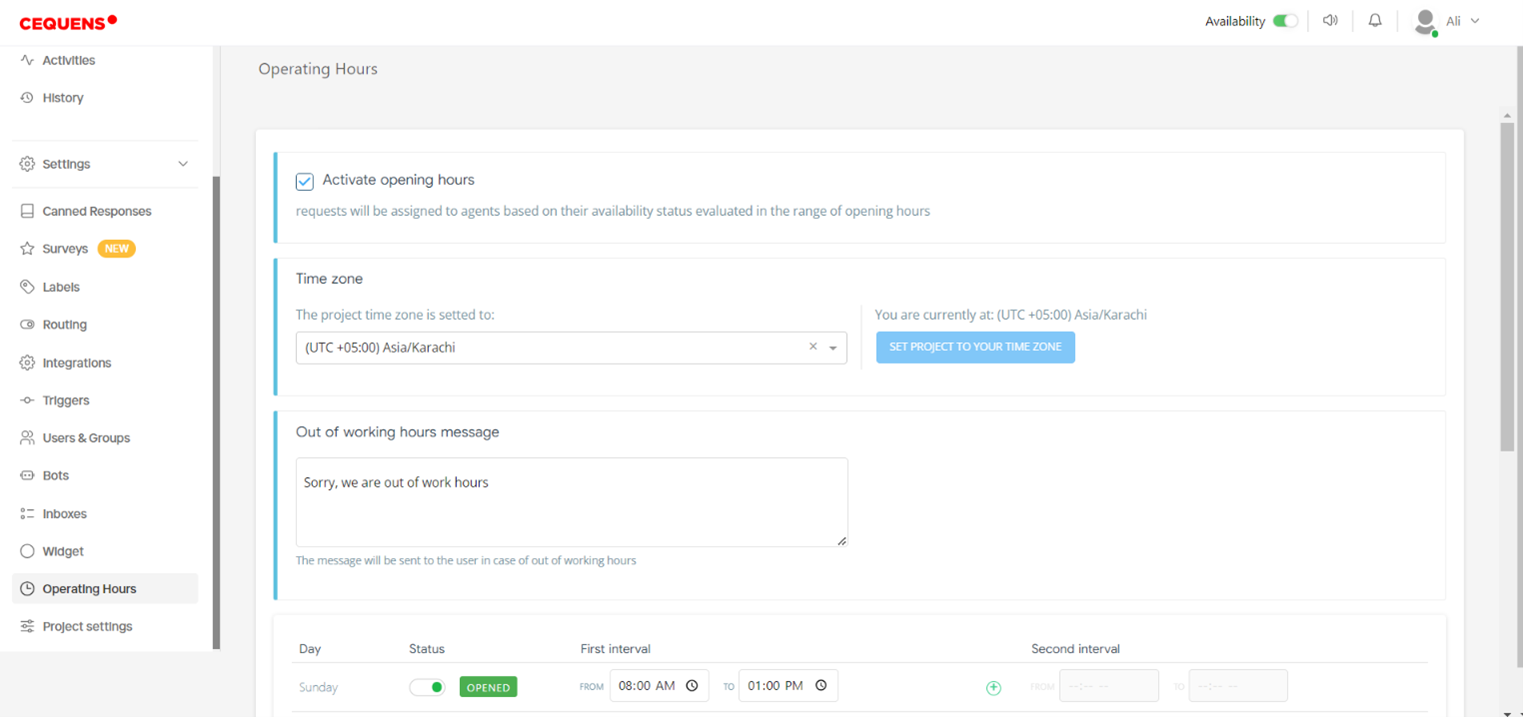
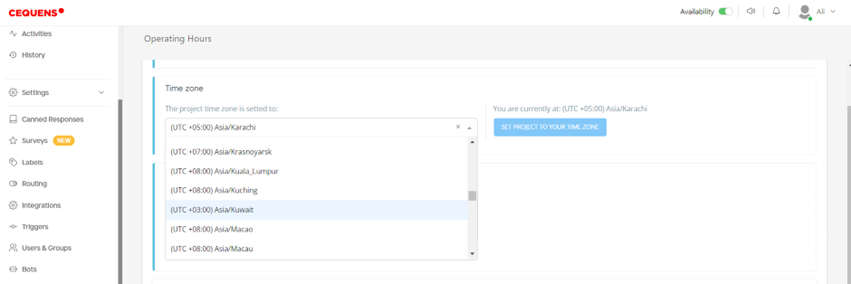
- Choose the appropriate time zone for your business operations from the dropdown menu. By default, it will be set to your system's time zone.
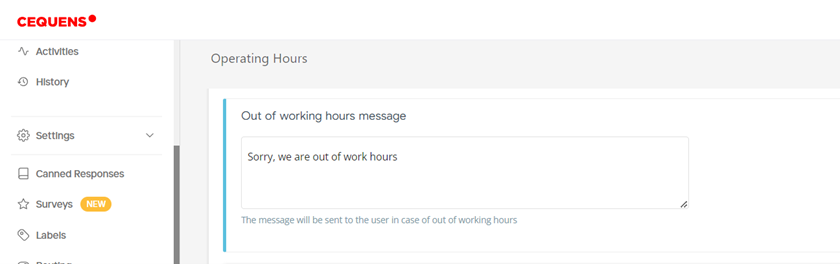
- Enter the message you wish to be displayed to users when they attempt to contact you outside of your operating hours in the "Out of Working Hours Message" field.
- Select the days during which your business operates by toggling the status for each day.
- Enter the start and end times for each working interval. You can add multiple intervals by clicking the "+" icon and remove intervals by clicking the cross icon.
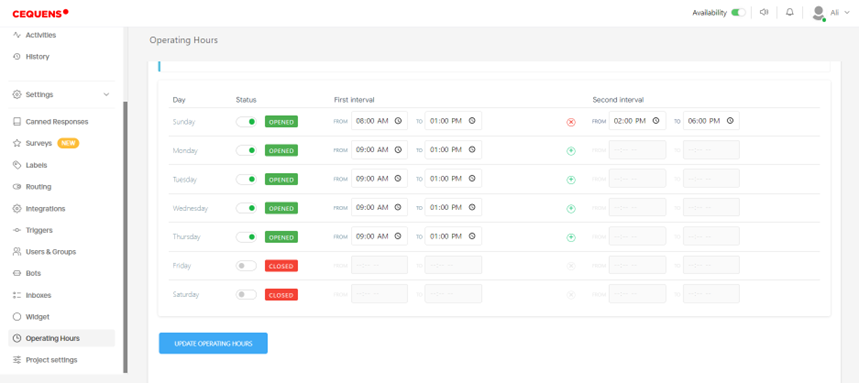
- After configuring the operating hours to your preference, click on the "Update Operating Hours" button to save the changes.