
Transfer to a Human Action
Intro
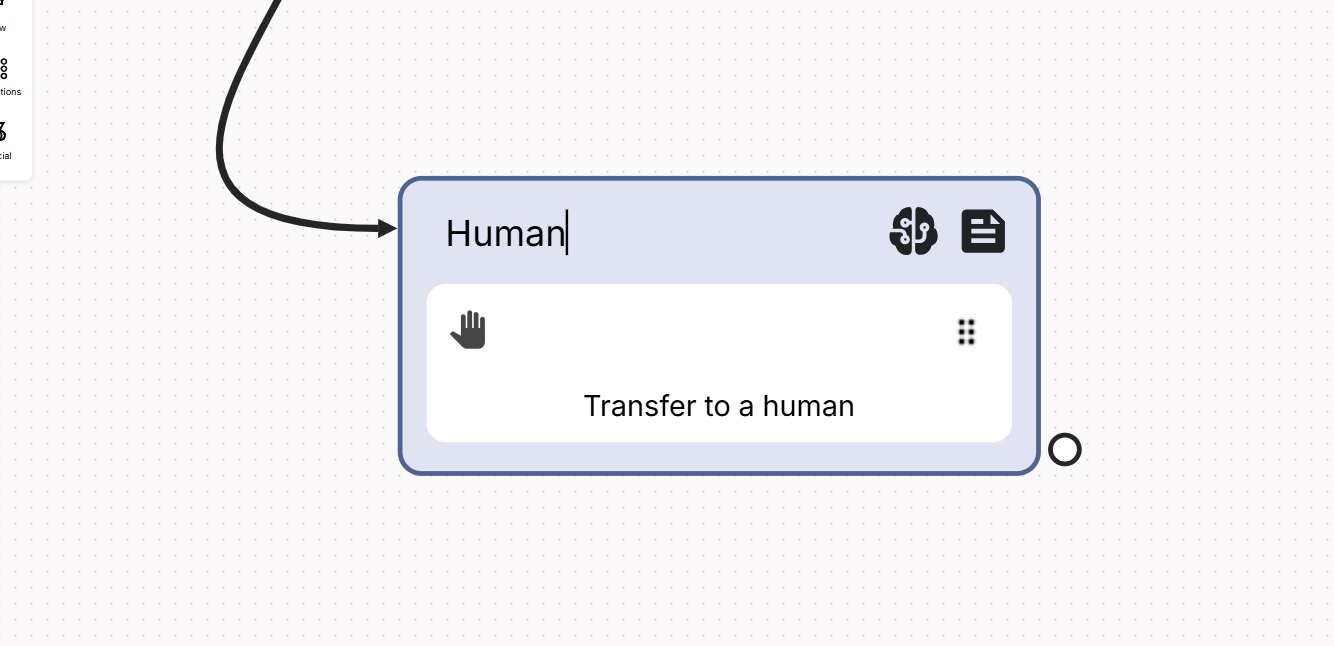
When you need to hand ove a chat from a flow to a human operator (HITL: Human in the loop) this is the action that makes the work for you.
The easiest example is to use the action attached to a button to allow the end-user to “Talk to a human” whenever they want.
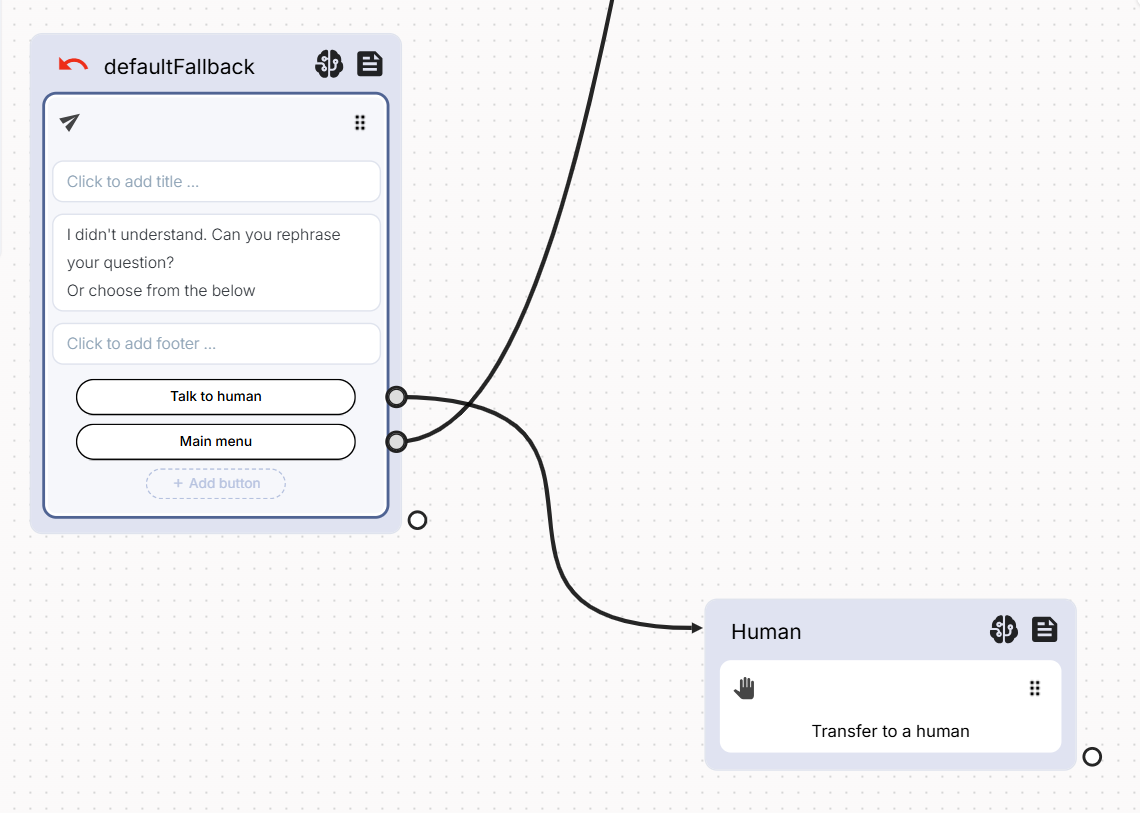
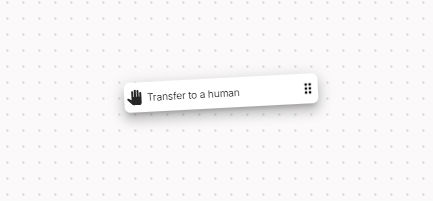
To create this flow, simply drag & drop the Human handover from the side menu to the stage.
Once connected to a button (or whatever block in the flow), this action will move the flow to an available agent, if any. If no agents are available, the action will automatically be moved to the unassigned status and put in the unassigned queue.
If no agents are available, the chat will again be put in the Unassigned status (you'll see the chat in the Monitor panel under the Unassigned section).
Using this Action along with the If Online Agents Action will give you the best results.
Updated 6 months ago